info-circle

Are you a service provider? Your group is here

Tell us about your services
Salla CommunitySallaOpen menu
Open menu
  • Home

  • Start here

  • News

Partners

  • Ads

  • Services

  • Wholesale

Merchants

  • Marketing

  • Get help

  • Resources

  • Experiences

  • Feature ideas

Salla team

  • Newsletters

  • WhatsApp

  • Store reviews

  • Events

  • Bootcamps

  • AI prompts

  • Tutorials

Important links

  • Salla Academy
  • Help Center
  • Salla Blog
  • Tutorial videos
  • Contact us
©2025

All rights reserved to Salla

Terms and Conditions
logo

إدارة-الطلبات

Latest

Most active

Most viewed

Help others

Filters

Sort by

Latest
Most viewed
Most liked
Oldest

Reply status

Answered
Unanswered

Groups

category logoNews
category logoAds
default logoServices
category logoWholesale
category logoMarketing
category logoGet help
category logoResources
category logoExperiences
category logoFeature ideas
category logoNewsletters
category logoWhatsApp
category logoStore reviews
category logoEvents
category logoBootcamps
category logoAI prompts
category logoTutorials
AA

Areej Alabbasi

category iconServices
Active 9 days ago

Your store runs itself on WhatsApp

Wasting time and money on fake orders, customers asking “where’s my order?”, and abandoned carts that never come back? Nahel is one app for Salla stores that does all of this for you automatically: It confirms cash-on-delivery orders before you ship, and the status updates in your store onRead more..
views18
Reply
AA
Save
copy
زا

زايد

category iconGet help
Active 16 days ago

How do I change my store image?

I want to change my store image, please help.
views18
1
زا
hatim
Save
copy
hatim

حاتم السلمي

category iconNews
Active 24 days ago

Shipment tracking link

Many big stores let customers follow their product’s shipping. This small addition greatly reduces cancellations after payment and keeps customers looking forward to their order. Salla now offers this in the best way: as soon as a customer’s order is complete, a shipment tracking link isRead more..
Shipment tracking link
views27
1
hatim
Save
copy
hatim

حاتم السلمي

category iconNews
Active 24 days ago

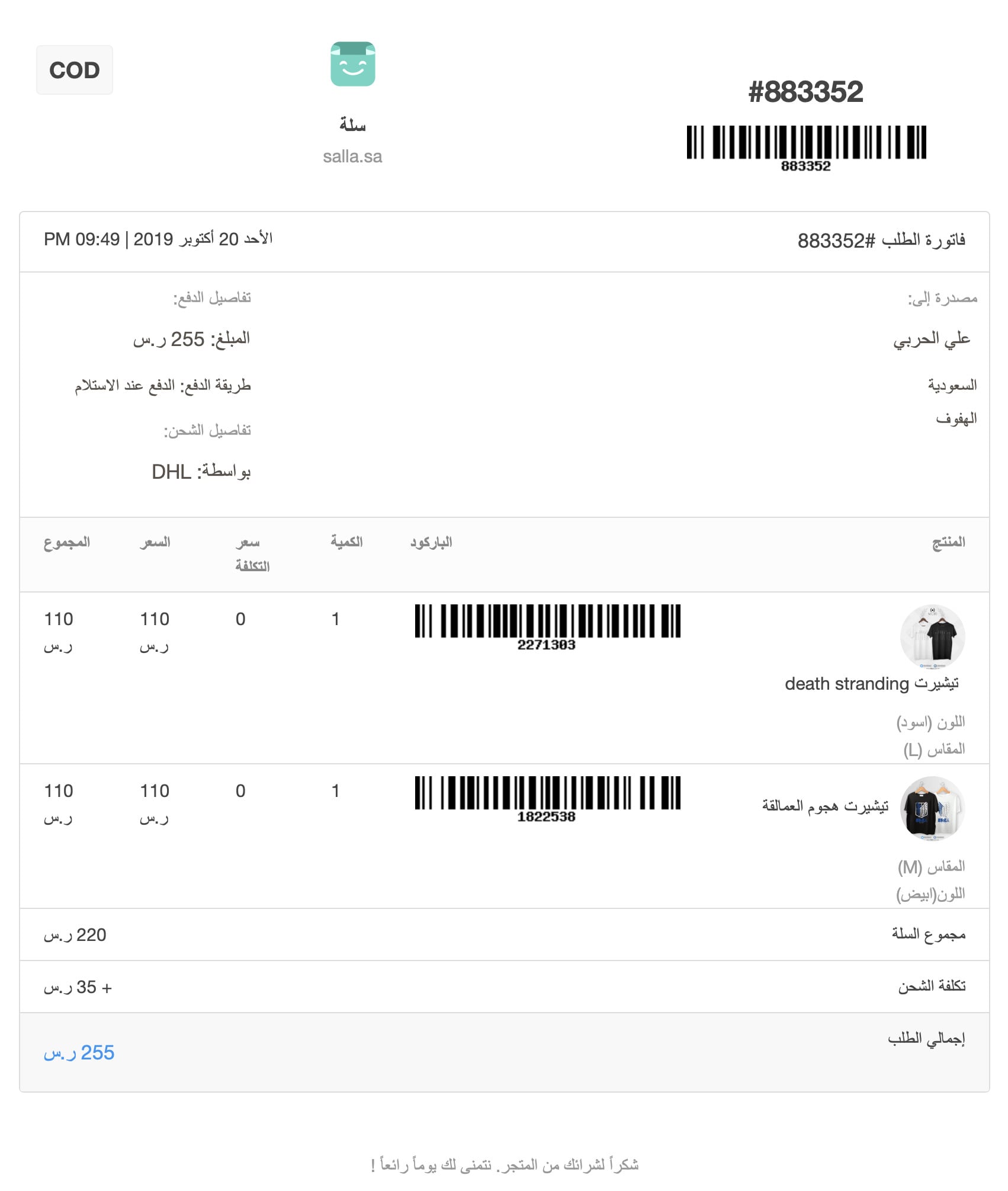
Order invoices sent to customers

The invoice is the cornerstone of any business transaction. Salla takes the work of designing, filling in, and sending invoices off your hands. As soon as a customer orders, their invoice is emailed to them, with all the order details: date, order number, your store name, order total, andRead more..
Order invoices sent to customers
views19
1
hatim
Save
copy
hatim

حاتم السلمي

category iconNews
Active 24 days ago

Cancel a shipping waybill

Flexibility in making changes matters to us at Salla, so you can now cancel the shipping waybill on an order without having to cancel the order itself: 1. From the side menu in your store dashboard, choose (Orders). 2. Choose the order whose waybill you want to cancel. 3. Below theRead more..
Cancel a shipping waybill
views23
1
hatim
Save
copy
hatim

حاتم السلمي

category iconNews
Active 24 days ago

Free shipping progress bar in the cart

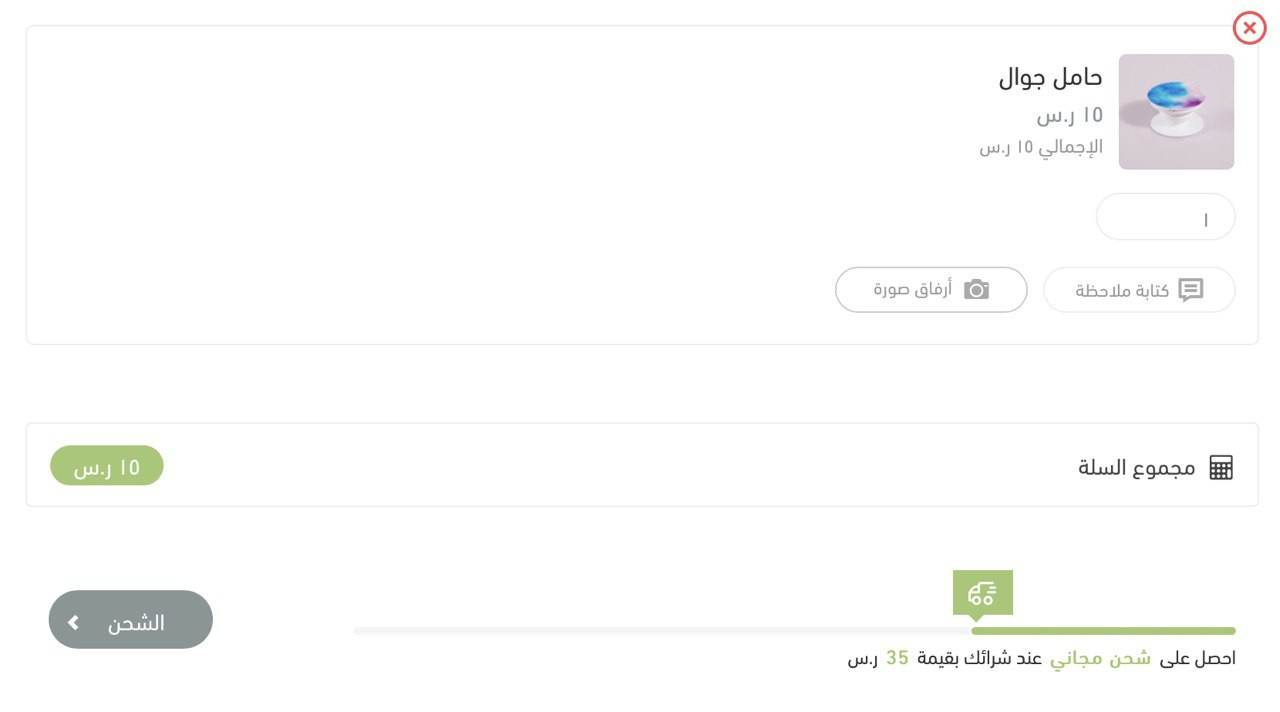
Free shipping is one of the strongest sales drivers. With this new feature, you can set an amount at which shipping becomes free, or offer free shipping with no conditions to your city or to cities and countries you choose. If you set a minimum amount, customers see a progress bar in theirRead more..
Free shipping progress bar in the cart
views25
1
hatim
Save
copy
hatim

حاتم السلمي

category iconNews
Active 24 days ago

Recipient details t2:

Your customers can now buy an order as a gift and send it to someone else. As a merchant, you can easily see both the recipient’s and the buyer’s details on the order page.
views23
1
hatim
Save
copy
hatim

حاتم السلمي

category iconNews
Active 24 days ago

Print the order picking list

Your warehouse team can now find product details in warehouse systems faster with the order picking list. To get the most from this feature, enter the SKU as it appears in your warehouse system in the product’s advanced options. To open the picking list, go to the order page and clickRead more..
Print the order picking list
views16
1
hatim
Save
copy
hatim

حاتم السلمي

category iconNews
Active 24 days ago

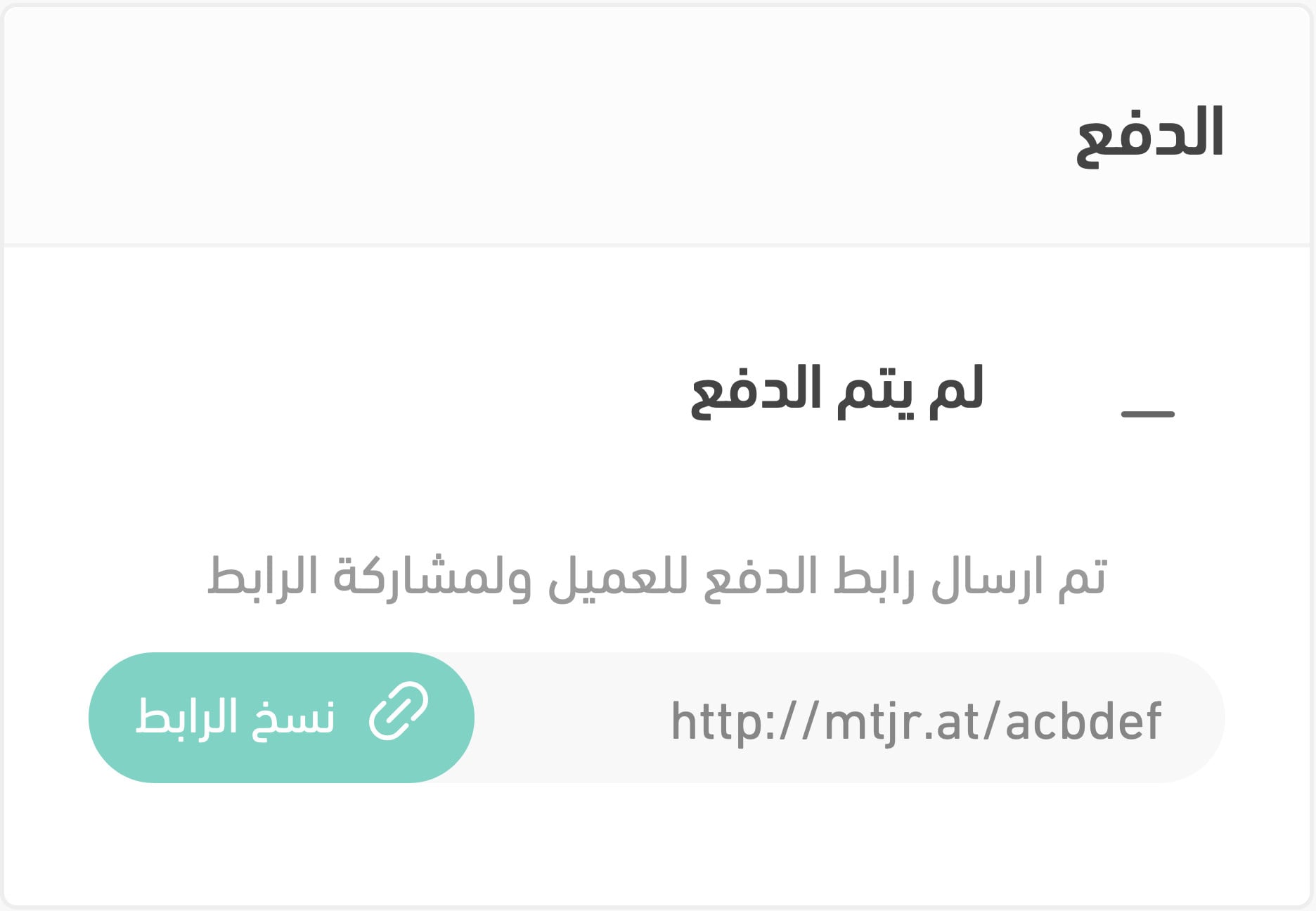
Share a payment link

For orders from social media or messaging apps that you enter manually, you can now get a dedicated link the buyer can use to complete payment.
Share a payment link
views15
1
hatim
Save
copy
hatim

حاتم السلمي

category iconNews
Active 24 days ago

Order log

The order log is a new feature that lets store staff leave comments for each other about an order’s status. To write a comment: 1. From the side menu in your store dashboard, choose (Orders). 2. Click the order. 3. Below the products, click (Add comment) in the (Order log) section.
views19
1
hatim
Save
copy
hatim

حاتم السلمي

category iconNews
Active 24 days ago

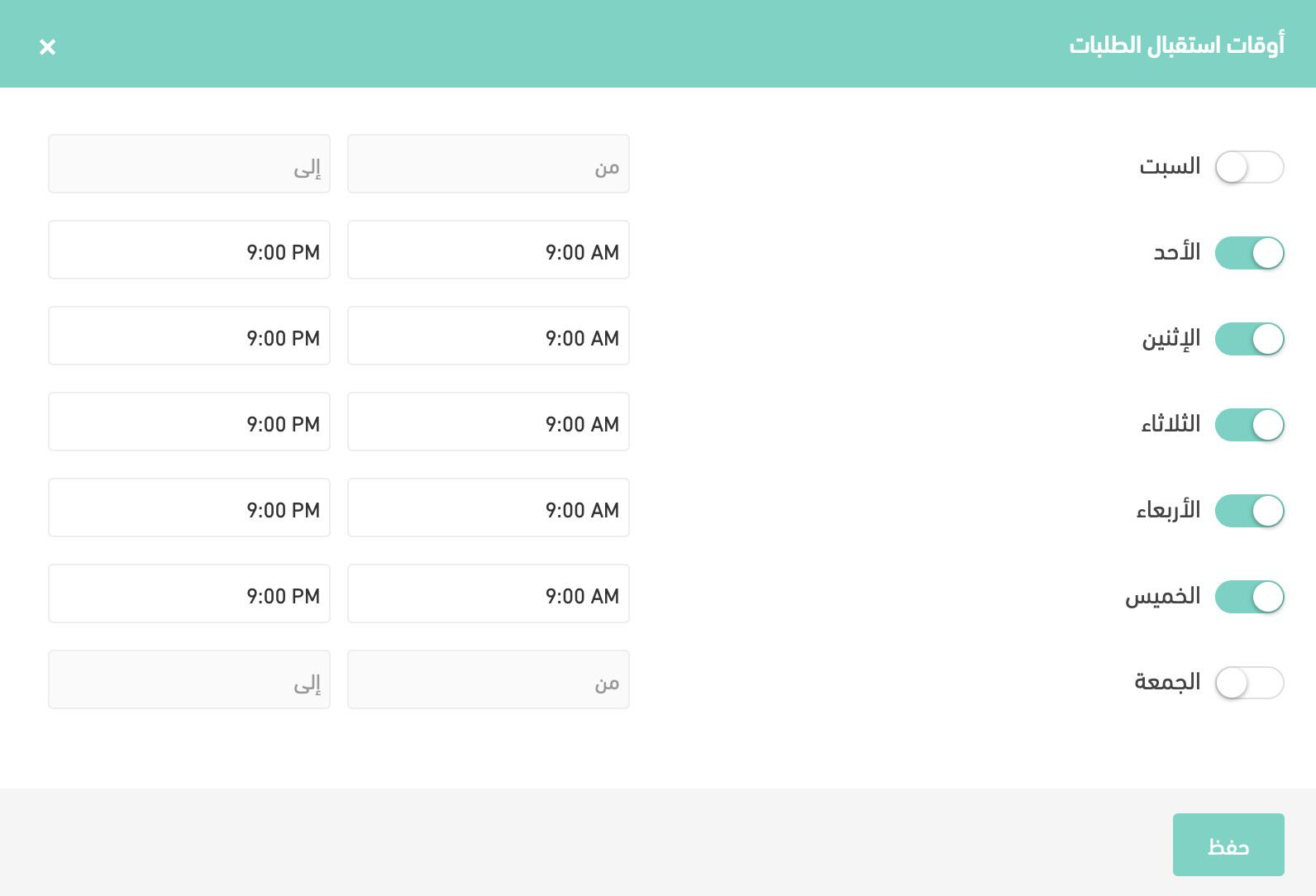
Order receiving hours

Setting the hours your store receives orders saves you the awkwardness of dealing with orders placed at inconvenient times, especially if your store sells food. To set order receiving hours: 1. From the side menu in your store dashboard, choose (Store settings). 2. Click (Store options).Read more..
Order receiving hours
views15
1
hatim
Save
copy
hatim

حاتم السلمي

category iconNews
Active 24 days ago

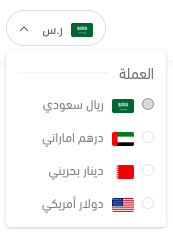
Multi-currency support

Want to expand and reach more customers? You can now add the currencies you want available to customers in your store. Visitors can easily switch currency and see products in their local currency, no calculator needed! To add new currencies: 1. From the dashboard, choose (Store settings).Read more..
Multi-currency support
views11
1
hatim
Save
copy
hatim

حاتم السلمي

category iconNews
Active 24 days ago

Branches

A new feature that’s especially useful for shops and retail stores. Store owners with more than one branch can add each branch’s details separately: Branch name Branch location on the map City Contact details (phone, mobile, and chat number) Order preparation time Working days and hoursRead more..
views13
1
hatim
Save
copy
hatim

حاتم السلمي

category iconNews
Active 24 days ago

Print invoices in bulk 🖨️

Because your time matters, this new feature saves you a lot of it by letting you print all the invoices you select at once. To print invoices in bulk: 1. Go to the (Orders) page. 2. Select orders by ticking the box next to each one. 3. At the top left, click (Quick edit). 4. Choose (PrintRead more..
views19
1
hatim
Save
copy
hatim

حاتم السلمي

category iconNews
Active 24 days ago

Cash-on-delivery conditions

A new feature lets you restrict cash on delivery as a payment option in your store, using conditions that suit you: Maximum purchase amount. Maximum product weight. Excluded products. These options reduce the risk of shipping high-value or heavy products to customers who aren’t serious. ToRead more..
views17
1
hatim
Save
copy
hatim

حاتم السلمي

category iconNews
Active 24 days ago

Daily order limit

A daily order limit makes it easier to manage and fulfill orders during busy periods that exceed your capacity. Most importantly, it protects your relationship with customers by avoiding delays when you can’t fulfill every order in a single day. Steps to turn on the daily limit: 1. FromRead more..
views12
1
hatim
Save
copy
hatim

حاتم السلمي

category iconNews
Active 24 days ago

Print shipping waybills and picking lists in bulk

Even if you get hundreds or thousands of orders a day, you don’t need to spend hours of your and your team’s time printing waybills and picking lists one order at a time! Bulk printing of waybills and picking lists turns hours of work into minutes! : To print picking lists or shippingRead more..
views18
1
hatim
Save
copy
hatim

حاتم السلمي

category iconNews
Active 24 days ago

Notify me when available

Back-in-stock alerts encourage your customers to buy as soon as products are available, and a dedicated, detailed report helps you decide which stock to buy for your store. Steps to turn on back-in-stock alerts: 1. From the dashboard side menu, click (Store settings). 2. Click (Notify meRead more..
views18
1
hatim
Save
copy
hatim

حاتم السلمي

category iconNews
Active 24 days ago

Customize order statuses

Steps to customize order statuses: 1. From the dashboard side menu, click (Orders). 2. On the Orders page, click (Services), then click (Customize statuses). 3. Review the existing main order statuses and edit them. 4. Set up sub-statuses for each main status. 5. Click (Save) to save yourRead more..
views9
1
hatim
Save
copy
hatim

حاتم السلمي

category iconNews
Active 24 days ago

Order tags

Order tags make it easy to manage your store’s orders by grouping similar orders under a specific tag so you can sort, categorize, and filter them. Steps to add tags to an order: 1. From the dashboard side menu, click (Orders). 2. Click the order you want to tag. 3. In the first section,Read more..
views11
1
hatim
Save
copy
hatim

حاتم السلمي

category iconNews
Active 24 days ago

Better customization for the order picking list

The improved order picking list gives you flexibility to choose which details appear on the picking list and customer invoice, such as: Shipping time. Product number. Price. Category. Total product quantity. Brand. Steps to customize the order picking list: 1. From the dashboard side menu,Read more..
views14
1
hatim
Save
copy
hatim

حاتم السلمي

category iconNews
Active 24 days ago

Online payment transaction log

Save time and effort by easily reviewing every online payment for each customer, including: Transaction date Cart number Order number Amount Payment gateway Transaction status (New, Pending, Confirmed, Payment failed), with any recorded note shown for “Payment failed” You can look upRead more..
views13
1
hatim
Save
copy
hatim

حاتم السلمي

category iconNews
Active 24 days ago

Multiple file formats supported for uploads 🗂️

Customers can now explain their order details more easily by attaching files in a range of formats to suit every type of customer. Supported formats include: MP4 PDF Word MOV Excel PPT EPS AI Steps to turn on multiple file uploads: 1. From the dashboard side menu, click (Products). 2. OnRead more..
views17
1
hatim
Save
copy
hatim

حاتم السلمي

category iconNews
Active 24 days ago

Turn on reorder

Make it easy for customers to repeat their orders, with flexible editing options that encourage them to keep buying from your store. Steps to turn on the reorder feature: On the Store options page, in the Orders section, click (Set) next to Turn on reorder. Customers can view their ordersRead more..
views12
1
hatim
Save
copy
hatim

حاتم السلمي

category iconNews
Active 24 days ago

Update order statuses by importing an Excel file

Updating order statuses with an Excel file lets you update many orders at once instead of one by one, so you manage your orders in less time and with less effort. Steps to update order statuses by importing an Excel file: Step 1: Export orders to an Excel file 1. On the Orders page, clickRead more..
views19
1
hatim
Save
copy
hatim

حاتم السلمي

category iconNews
Active 24 days ago

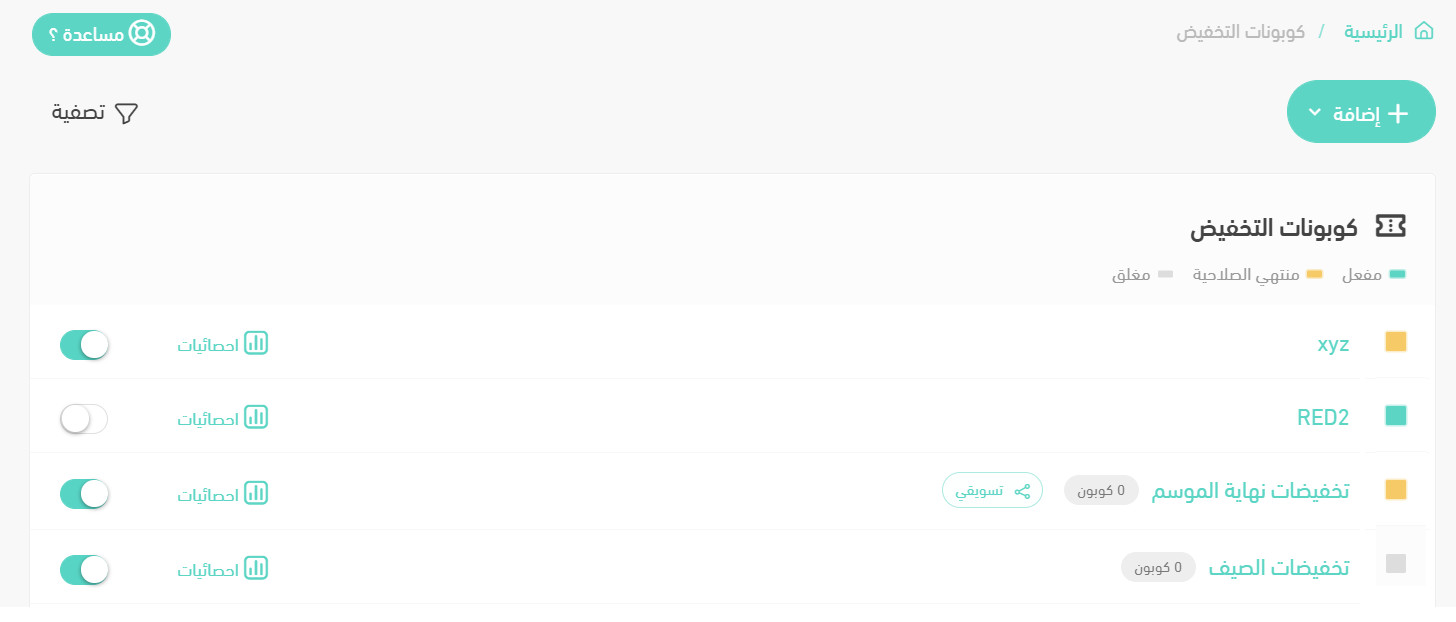
Coupon improvements

We’ve improved the coupons page to match Salla merchants’ needs, giving you more control over your coupons and how they’re displayed. The improvements include: Coupon status Searching and filtering coupons Exporting coupon statistics Marketing coupon details Let’s explore them: CouponRead more..
Coupon improvements
views14
1
hatim
Save
copy
hatim

حاتم السلمي

category iconNews
Active 24 days ago

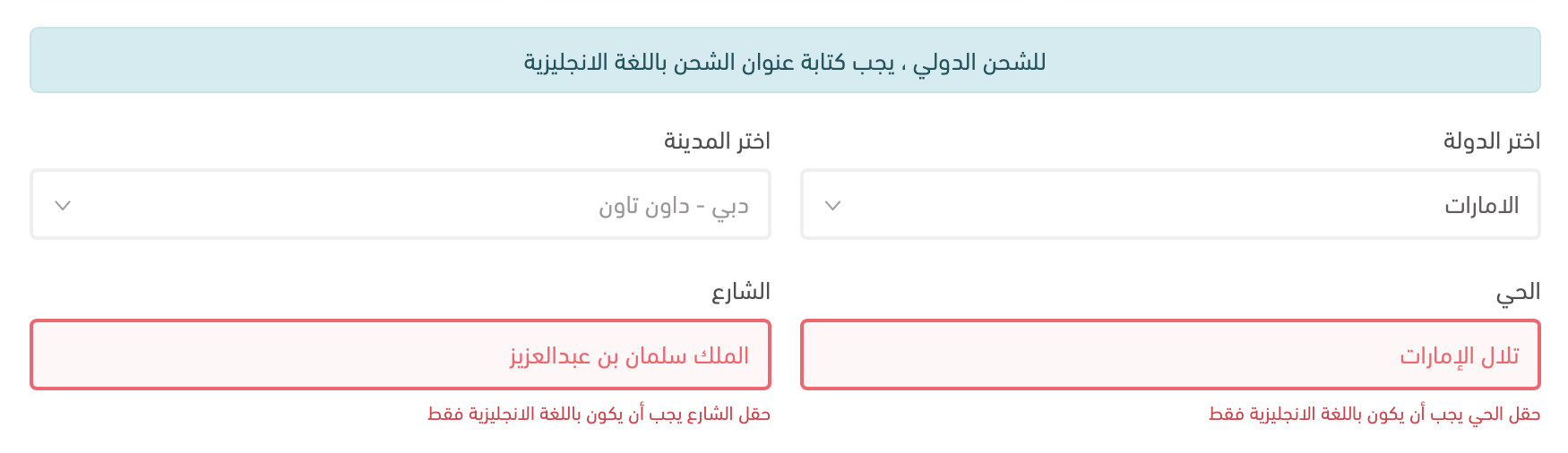
International shipping addresses in English

Does your store sell beyond local borders, and do international shipping companies struggle with customer addresses? We’ve solved this: When the customer’s country differs from the store’s country, the customer must enter their shipping address details in English. This also applies toRead more..
International shipping addresses in English
views18
1
hatim
Save
copy
hatim

حاتم السلمي

category iconNews
Active 24 days ago

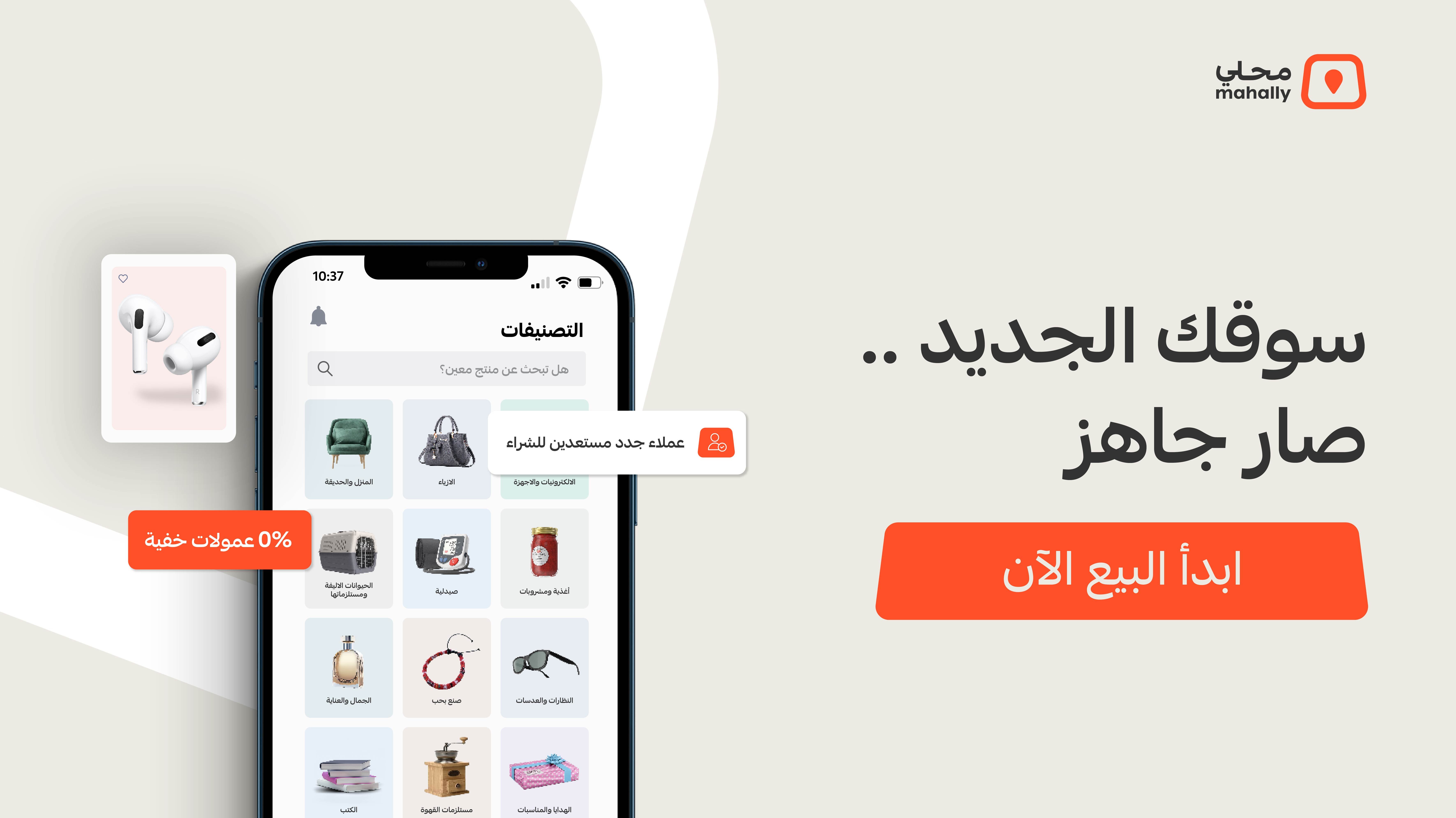
Launching the Mahally app

Mahally by Salla is one of Salla's sales channels for merchants: an app that makes it easy for you to show your products to hundreds of thousands of potential customers in one place. For shoppers, it offers search by product name or category across millions of products, easy buying in justRead more..
Launching the Mahally app
views17
1
hatim
Save
copy
hatim

حاتم السلمي

category iconNews
Active 24 days ago

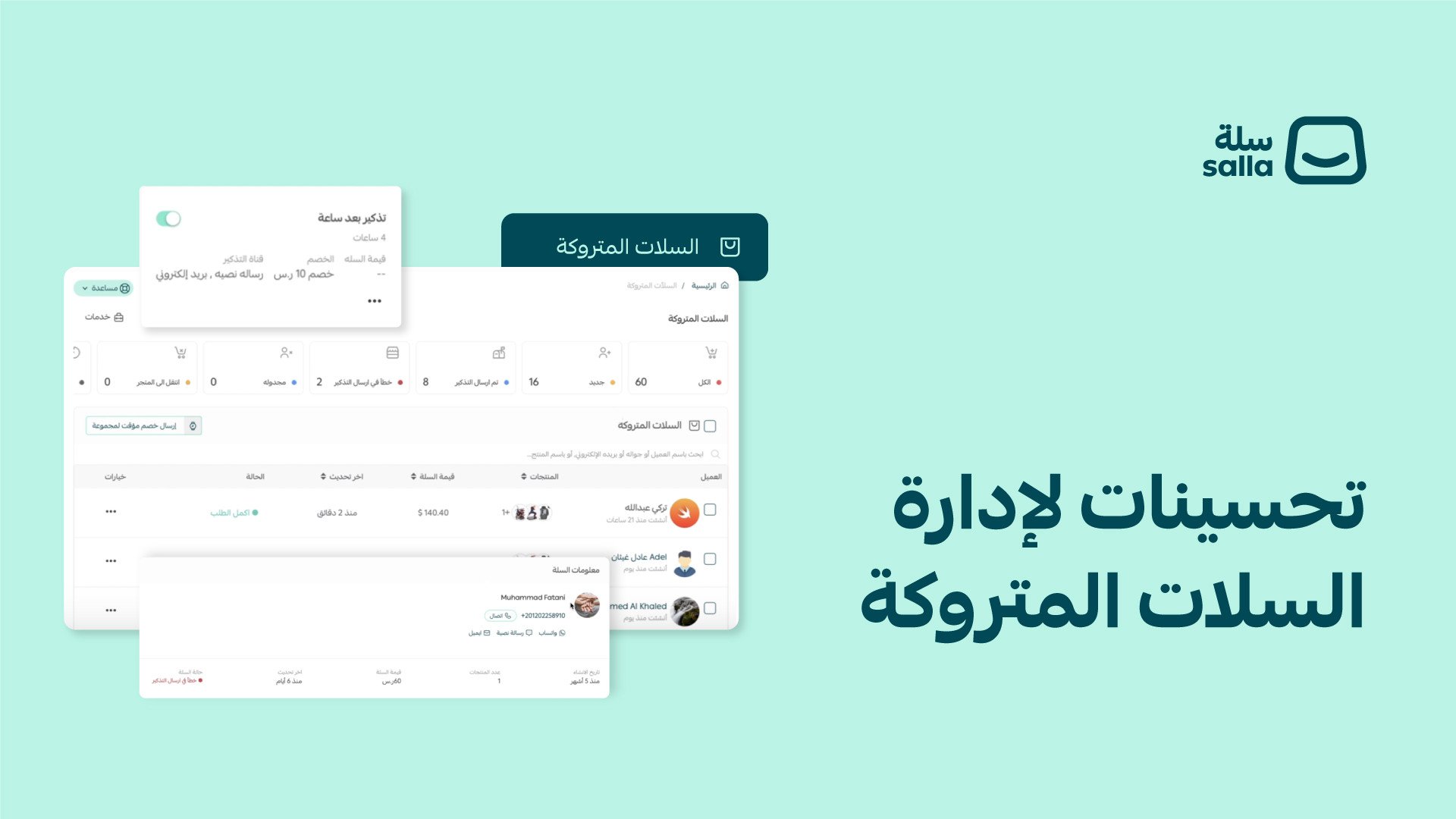
Important improvements to the Abandoned carts page

People often visit and browse your store, maybe pick some products and put them in their cart, without completing the order. We always recommend making practical use of these visits and abandoned carts, so we've brought together everything you need to turn abandoned carts into orders inRead more..
Important improvements to the Abandoned carts page
views12
1
hatim
Save
copy
hatim

حاتم السلمي

category iconNews
Active 24 days ago

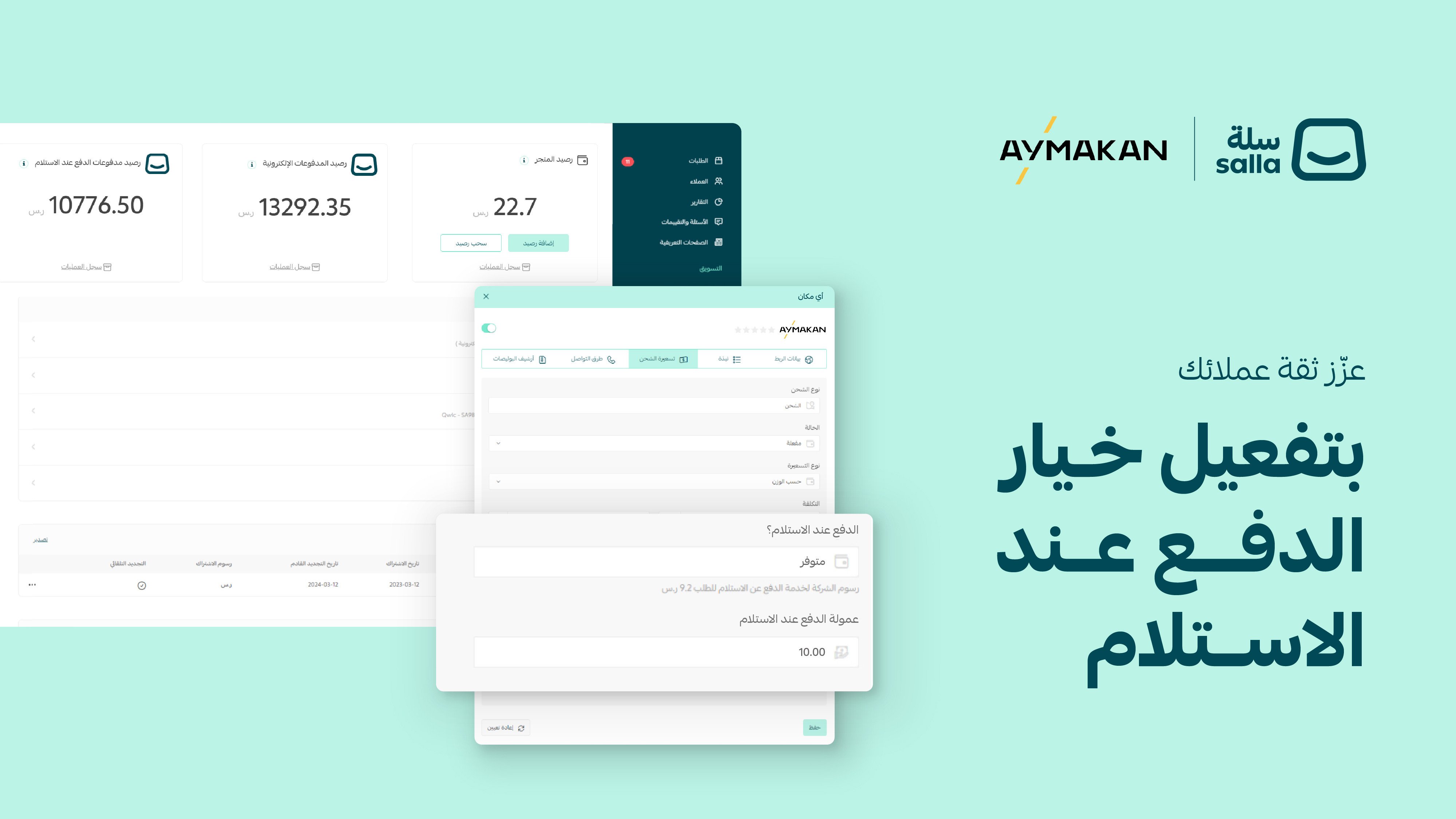
Turn on cash on delivery with Any Place waybills

Offer your customers cash on delivery with Any Place, with no contracts or complicated conditions, through Salla's discounted waybills, and track all your COD sales easily in a dedicated wallet! How to turn on cash on delivery: 1. From the dashboard side menu, click (Store settings). 2.Read more..
Turn on cash on delivery with Any Place waybills
views23
1
hatim
Save
copy