info-circle

Are you a service provider? Your group is here

Tell us about your services
Salla CommunitySallaOpen menu
Open menu
  • Home

  • Start here

  • News

Partners

  • Ads

  • Services

  • Wholesale

Merchants

  • Marketing

  • Get help

  • Resources

  • Experiences

  • Feature ideas

Salla team

  • Newsletters

  • WhatsApp

  • Store reviews

  • Events

  • Bootcamps

  • AI prompts

  • Tutorials

Important links

  • Salla Academy
  • Help Center
  • Salla Blog
  • Tutorial videos
  • Contact us
©2025

All rights reserved to Salla

Terms and Conditions
logo

إدارة-المنتجات

Latest

Most active

Most viewed

Help others

Filters

Sort by

Latest
Most viewed
Most liked
Oldest

Reply status

Answered
Unanswered

Groups

category logoNews
category logoAds
default logoServices
category logoWholesale
category logoMarketing
category logoGet help
category logoResources
category logoExperiences
category logoFeature ideas
category logoNewsletters
category logoWhatsApp
category logoStore reviews
category logoEvents
category logoBootcamps
category logoAI prompts
category logoTutorials
جو

جواهر

category iconGet help
Active a day ago

New store owner looking for support

Please support me, my store is new.
views5
4
جو
مر
system
hatim
Save
copy
فا

فهد العتيبي

category iconGet help
Active 16 days ago

Can my store place orders by itself?

Hi everyone. I want to open a digital store and source from wholesale stores like G2G, but how do I connect my site with them, or how do I make the store place orders by itself? I really don't have a background in this. It doesn't have to be G2G, other sites or suppliers are fine too,Read more..
views23
1
فا
hatim
Save
copy
hatim

حاتم السلمي

category iconNews
Active 24 days ago

Choose which categories and products a coupon includes or excludes

Discount coupons are one of the most effective ways to increase sales. But promoting a coupon could make you lose money on some products (those with low prices or thin profit margins). That’s natural, so Salla gives you a solution: make the coupon work only on the products or categoriesRead more..
views19
1
hatim
Save
copy
hatim

حاتم السلمي

category iconNews
Active 24 days ago

Multiple product options

The products in your store vary, and some need more options, especially if you sell shirts, clothing, or anything with multiple variants, since customers need to choose the right size, color, and material. You, in turn, need different prices and details by type, size, and quality. YouRead more..
views18
1
hatim
Save
copy
hatim

حاتم السلمي

category iconNews
Active 24 days ago

Add a product to more than one category

You can now add a single product to more than one category: ▶️ Watch the video 1. From the side menu, choose (Products). 2. Click (Category). 3. Click all the categories that fit the product.
views20
1
hatim
Save
copy
hatim

حاتم السلمي

category iconNews
Active 24 days ago

Out-of-stock products

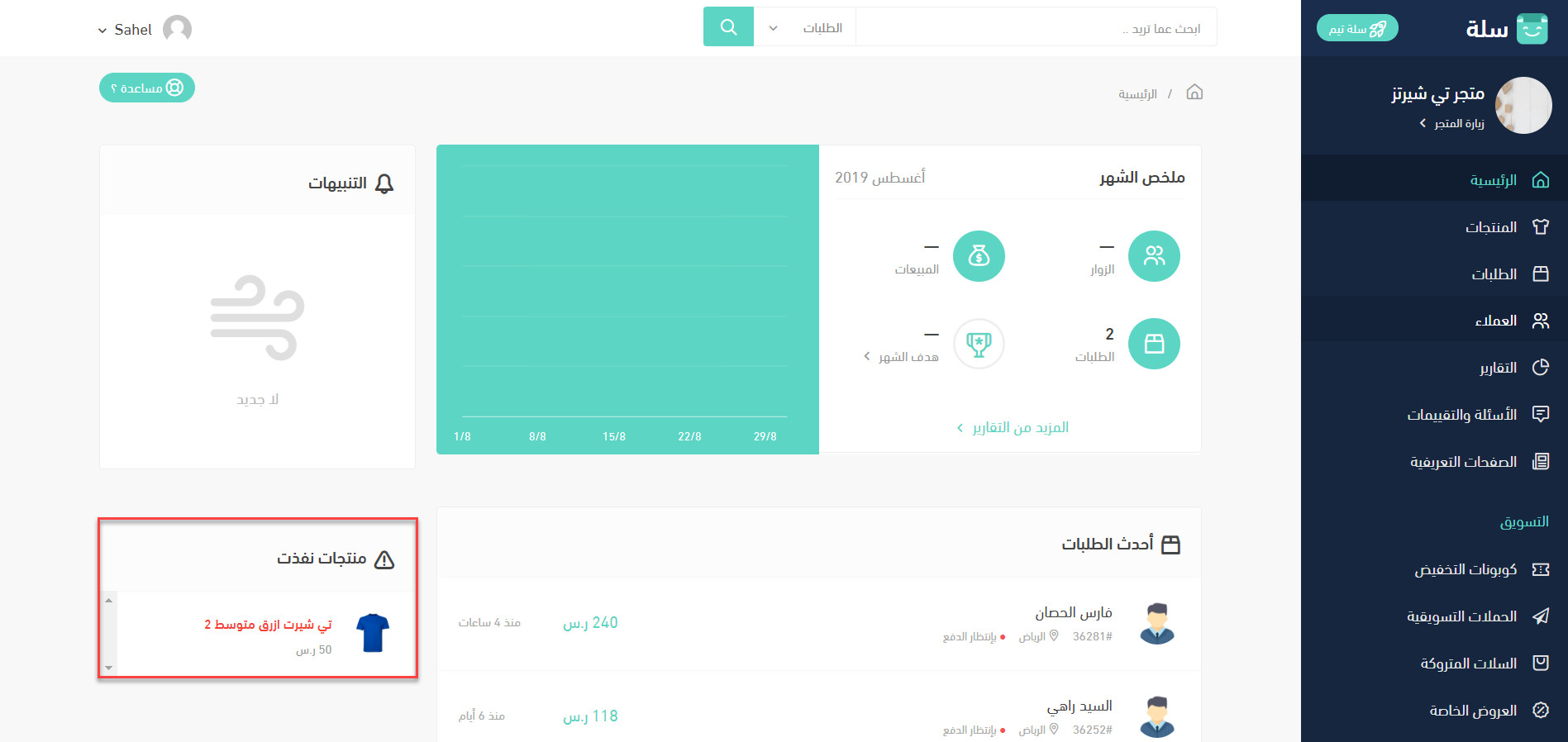
A busy workload can make you lose sight of the basics of your business. Our mission at Salla is to make things easier, so out-of-stock products now appear automatically, without reviewing products manually: 1. From the side menu in your store dashboard, choose (Home). 2. On the far left,Read more..
Out-of-stock products
views19
1
hatim
Save
copy
hatim

حاتم السلمي

category iconNews
Active 24 days ago

Duplicate a product

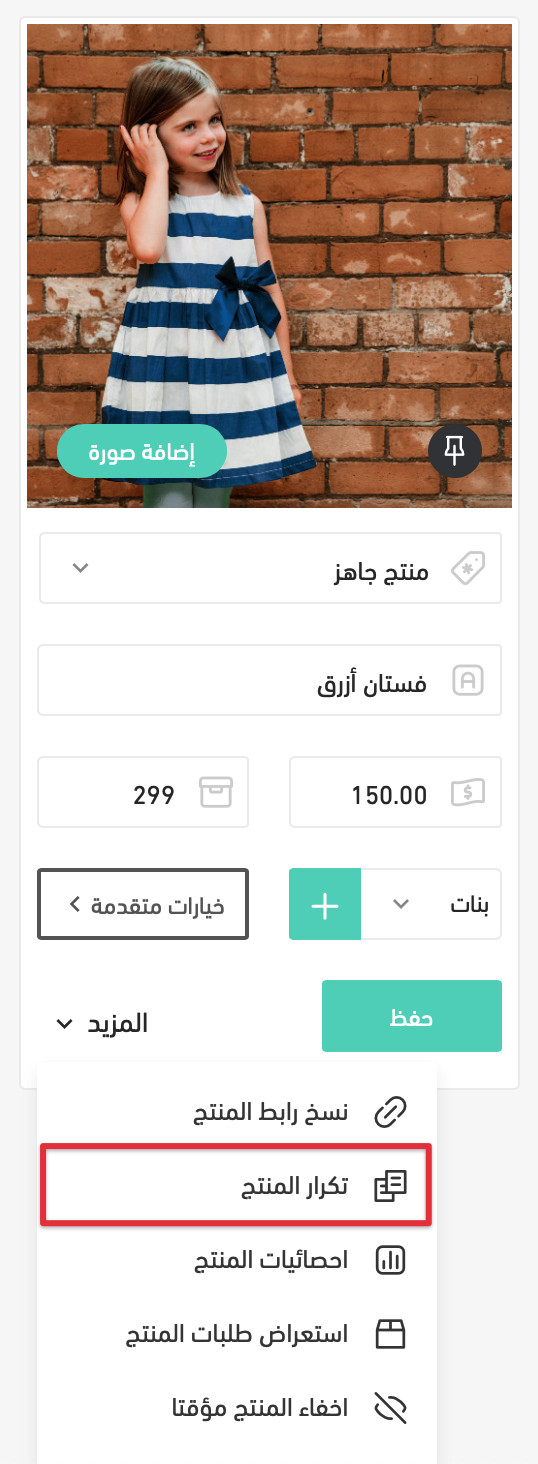
If you have many products with similar details, entering the same data manually takes a long time. So Salla now lets you duplicate a product easily. To duplicate a product: 1. From the side menu in your store dashboard, choose (Products). 2. Choose the product you want to duplicate. 3.Read more..
Duplicate a product
views18
1
hatim
Save
copy
hatim

حاتم السلمي

category iconNews
Active 24 days ago

A new product image editor

▶️ Watch the video Your store’s images are the first thing that influences visitors. If they don’t impress, you may lose customers, because in e-commerce the image is the first and strongest impression. Salla now has a new product image editor. It saves you from using outside apps to addRead more..
views19
1
hatim
Save
copy
hatim

حاتم السلمي

category iconNews
Active 24 days ago

Filter products by product type

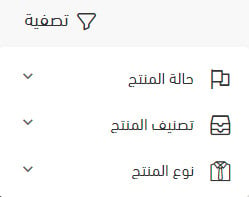
Online stores sell different kinds of products, each with its own characteristics and ways of handling. You can now filter products by (Product type) in Salla to review or edit them: 1. From the side menu in your store dashboard, choose (Products). 2. Click (Filter) on the far left. 3.Read more..
Filter products by product type
views23
1
hatim
Save
copy
hatim

حاتم السلمي

category iconNews
Active 24 days ago

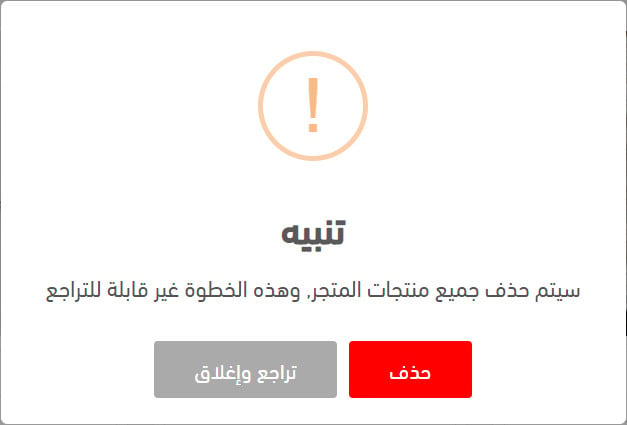
Delete all products

Finished testing and want to start stocking your store with products from scratch? You can now delete all your store’s products at once: 1. From the side menu in your store dashboard, choose (Products). 2. At the top left, click (Services). 3. From the dropdown, click (Delete allRead more..
Delete all products
views19
1
hatim
Save
copy
hatim

حاتم السلمي

category iconNews
Active 24 days ago

Import products

Adding your products to your store manually can take a long time, especially if you have a lot of them. Our first mission at Salla is to make things easier and save you time, so we’ve added a new feature to import all your products into your store at once: ▶️ Watch the video 1. From yourRead more..
views16
1
hatim
Save
copy
hatim

حاتم السلمي

category iconNews
Active 24 days ago

Improved category menu on mobile

▶️ Watch the video On mobile, customers can now browse the subcategory list by tapping a main category. It’s a small improvement, but a useful one for stores with many categories, making it easy for customers to browse your store’s sections.
views10
1
hatim
Save
copy
hatim

حاتم السلمي

category iconNews
Active 24 days ago

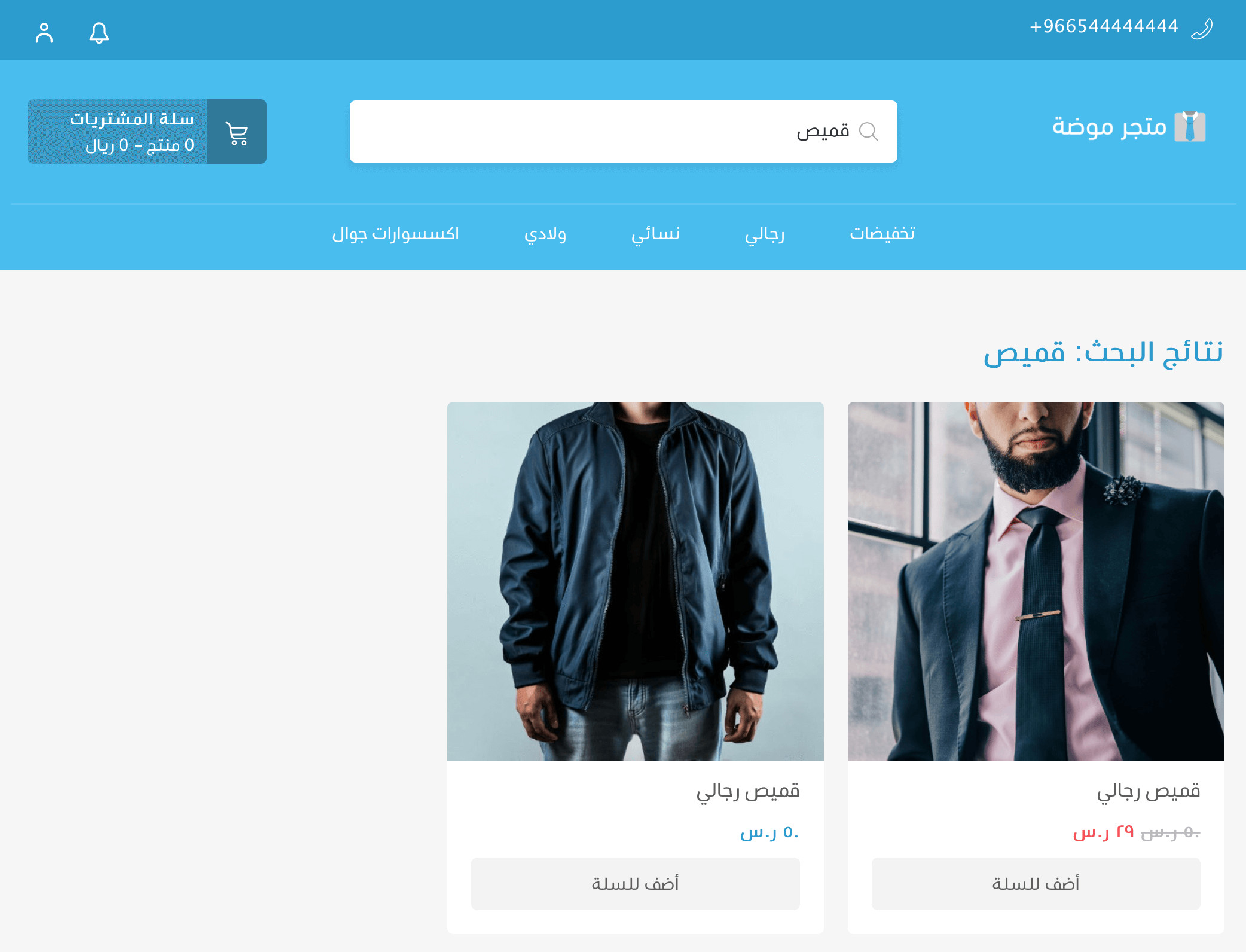
Search results page in your store

One of the improvements you asked for: all search results now appear on a separate page in your store. Customers can type a search term, press Enter, and go straight to the search results page.
Search results page in your store
views10
1
hatim
Save
copy
hatim

حاتم السلمي

category iconNews
Active 24 days ago

Print and export product inventory

Seeing your product inventory data (units sold and remaining, SKU, and prices) helps you track and manage your stock. You can now export and print your product inventory with the new feature: 1. From the side menu in your store dashboard, choose (Products). 2. At the top left, clickRead more..
views20
1
hatim
Save
copy
hatim

حاتم السلمي

category iconNews
Active 24 days ago

Export products

Having your product images and details in one file makes it easy to: 1. Run Google Shopping ads by uploading the file to Google Merchant Center. 2. Add your products as an Instagram catalog so you can tag products on Instagram (taking followers from an Instagram photo straight to yourRead more..
views21
1
hatim
Save
copy
hatim

حاتم السلمي

category iconNews
Active 24 days ago

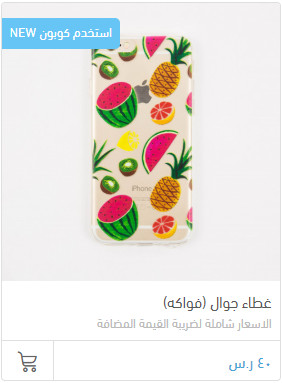
Subtitles and promotional titles

A new feature lets you add a subtitle under the product name to share key information with shoppers, plus a promotional title shown clearly on the product image to catch visitors’ attention with a special offer. To add titles: 1. From the side menu in your store dashboard, chooseRead more..
Subtitles and promotional titles
views15
1
hatim
Save
copy
hatim

حاتم السلمي

category iconNews
Active 24 days ago

Control “You may also like” products ️

“You may also like” products, shown at the bottom of the product page, help you suggest similar products to customers and grow cart size. Some merchants prefer to turn it on to boost sales, while others prefer to keep customers focused on the product they’re viewing. So you can now turnRead more..
Control “You may also like” products ️
views18
1
hatim
Save
copy
hatim

حاتم السلمي

category iconNews
Active 24 days ago

Upload and arrange multiple images

You can now easily upload product images all at once and arrange the order they appear in your store. To try it: 1. From the dashboard side menu, choose (Products). 2. Click (Add image). 3. Drag images from your device into the gray box, or click it to browse and choose images.
views12
1
hatim
Save
copy
hatim

حاتم السلمي

category iconNews
Active 24 days ago

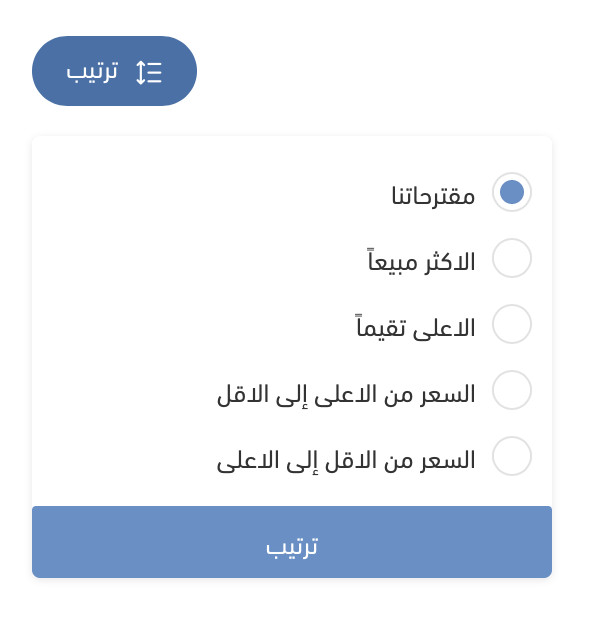
Sort products

A new feature lets you set the order products appear in a category, using simple drag and drop, and lets customers sort products on your store’s category pages in different ways, as shown below: To set your preferred product order: 1. From the dashboard side menu, choose (Products). 2. AtRead more..
Sort products
views16
1
hatim
Save
copy
hatim

حاتم السلمي

category iconNews
Active 24 days ago

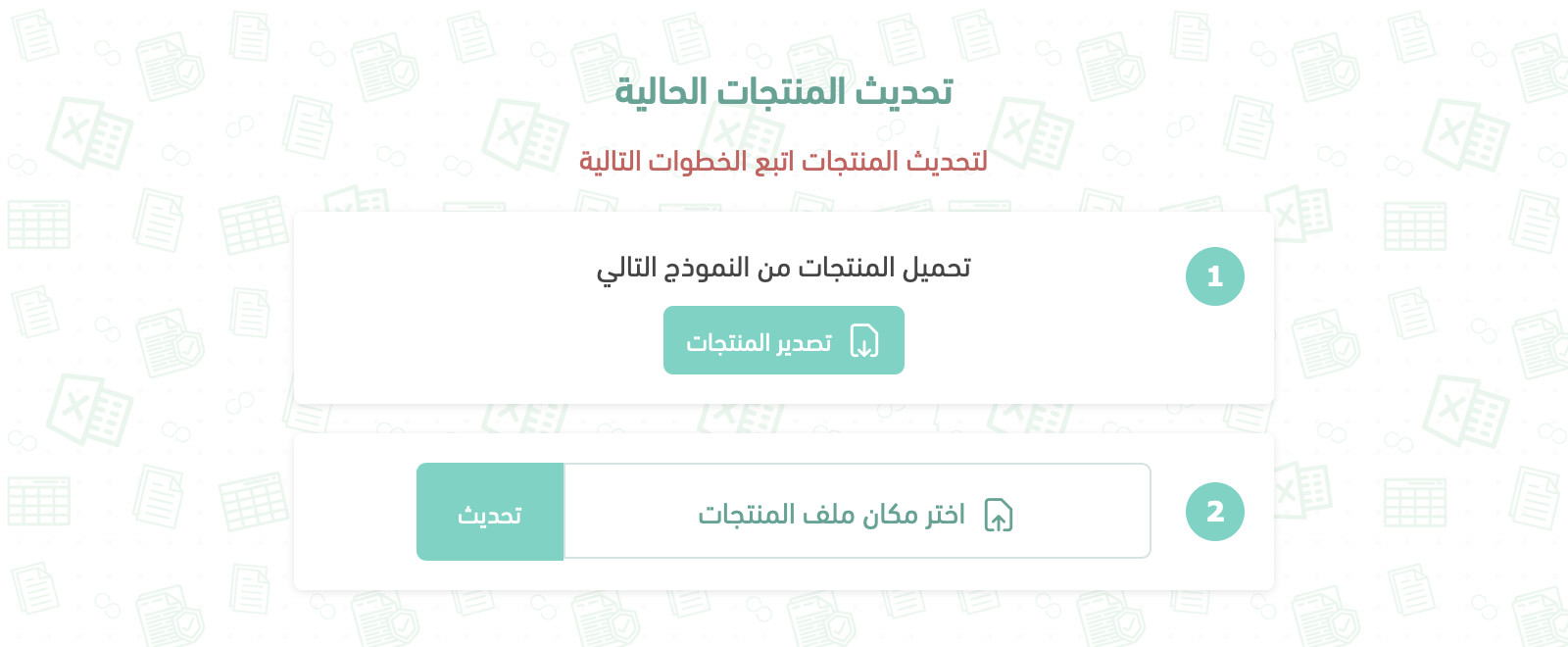
Update products with Excel

Updating product prices, quantities, and other details can take a long time, especially if you have lots of products. This feature makes it easy to update all your existing products at once using Excel. To update your products: 1. From your store’s side menu, choose (Products). 2. At theRead more..
Update products with Excel
views15
1
hatim
Save
copy
hatim

حاتم السلمي

category iconNews
Active 24 days ago

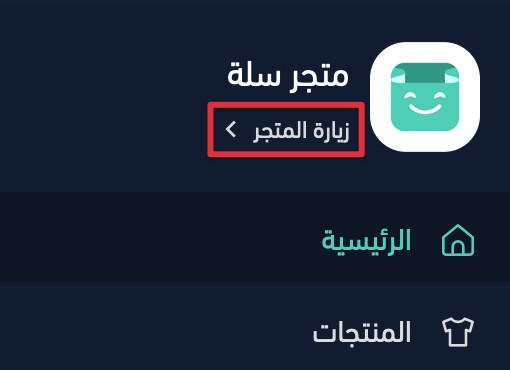
Quick product edit ️

You’ve probably needed to make a quick change to a product while browsing your store, without going to the dashboard, typing the product name, and searching through all your products. We’ve added a handy shortcut that lets you edit products right from your store. Just open your store usingRead more..
Quick product edit ️
views11
1
hatim
Save
copy
hatim

حاتم السلمي

category iconNews
Active 24 days ago

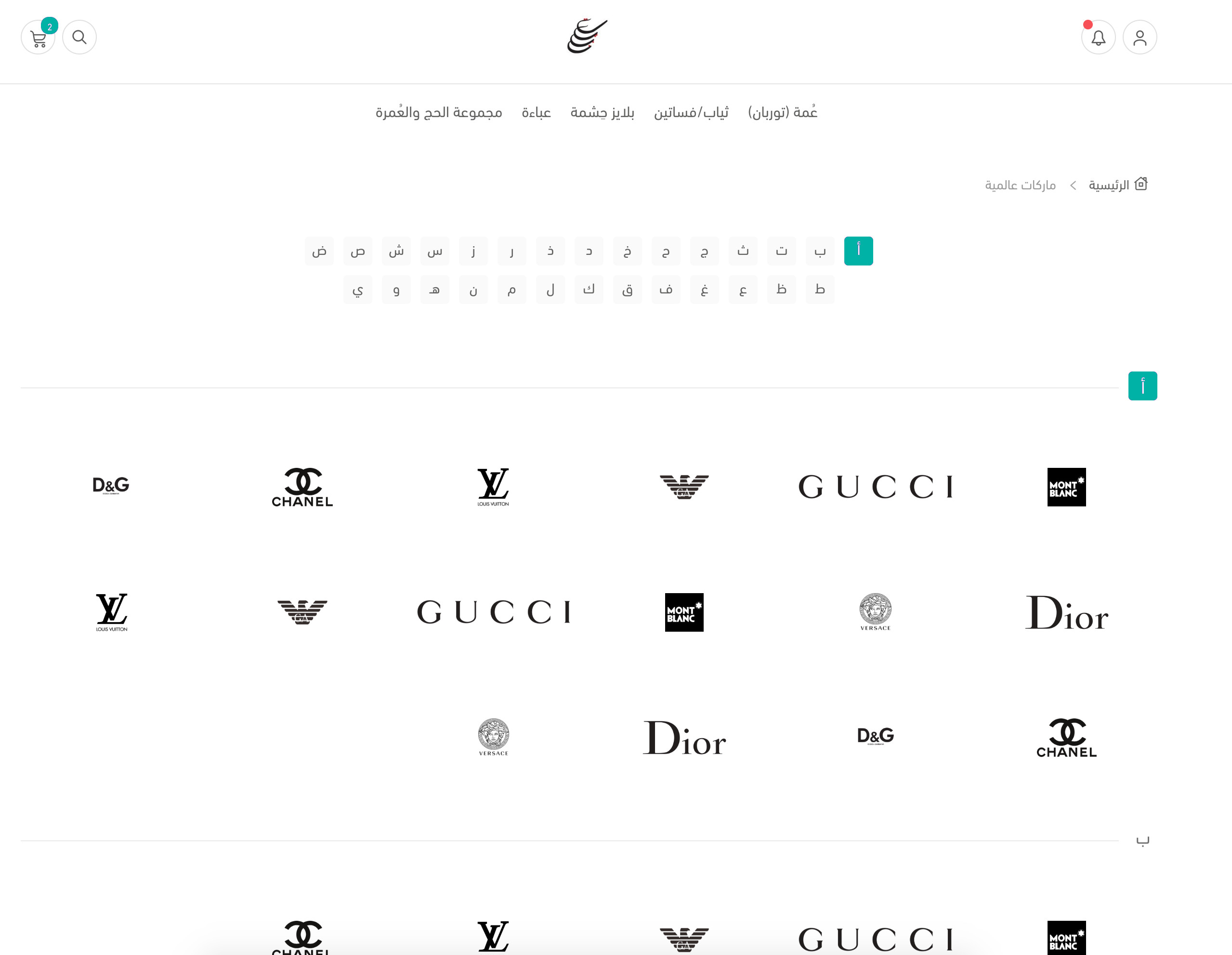
Brands ™️

(Brands) is a new feature for defining your products’ brands and showcasing them on a dedicated store page, with alphabetical navigation, so visitors can find their favorite brand and see all its products on one page. You can add a dedicated promotional banner to each brand page, plus aRead more..
Brands ™️
views12
1
hatim
Save
copy
hatim

حاتم السلمي

category iconNews
Active 24 days ago

Product tags

No need to add a new category for temporary offers, or when you have products across several categories that you want to group on one page under one name, like “Eid looks.” Just add the same tag to those products, and customers can click the tag to browse them all on a single page. To addRead more..
views19
1
hatim
Save
copy
hatim

حاتم السلمي

category iconNews
Active 24 days ago

Manage product categories 🗂️

Adding subcategories under any subcategory gives you the flexibility to organize your store’s categories to suit your business, while making browsing and shopping easier for your customers. Category management includes: Subcategories within subcategories. Hiding a category and itsRead more..
views19
1
hatim
Save
copy
hatim

حاتم السلمي

category iconNews
Active 24 days ago

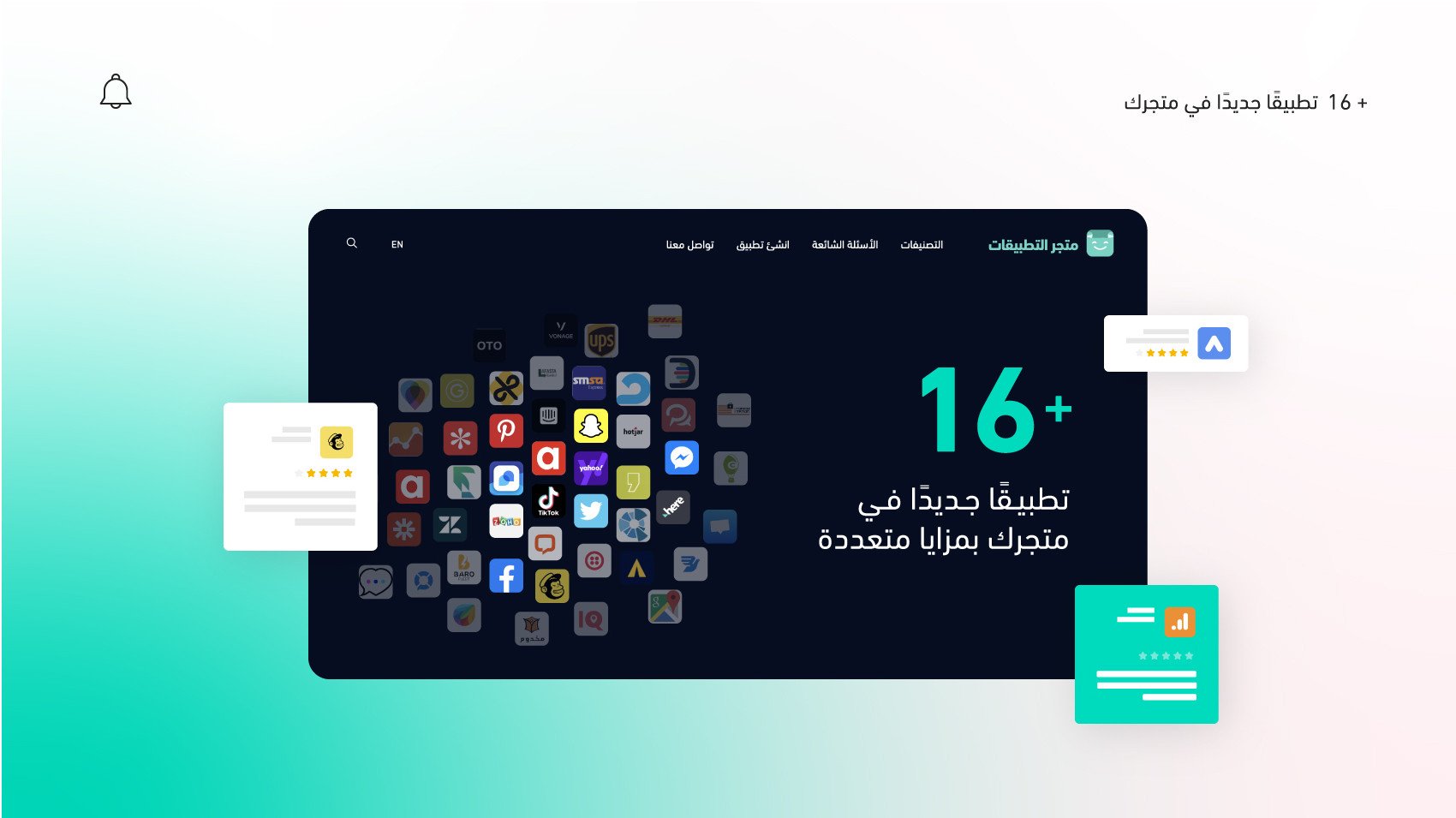
July’s apps

Because our main goal is understanding the challenges Salla merchants face, we’re always racing to solve them. That’s why we’ve launched more than 16 new apps in the Salla App Store, with modern tools for every type of store. Let’s take a look: First: Analytics apps 1. SmartLook A tool forRead more..
July’s apps
views12
1
hatim
Save
copy
hatim

حاتم السلمي

category iconNews
Active 24 days ago

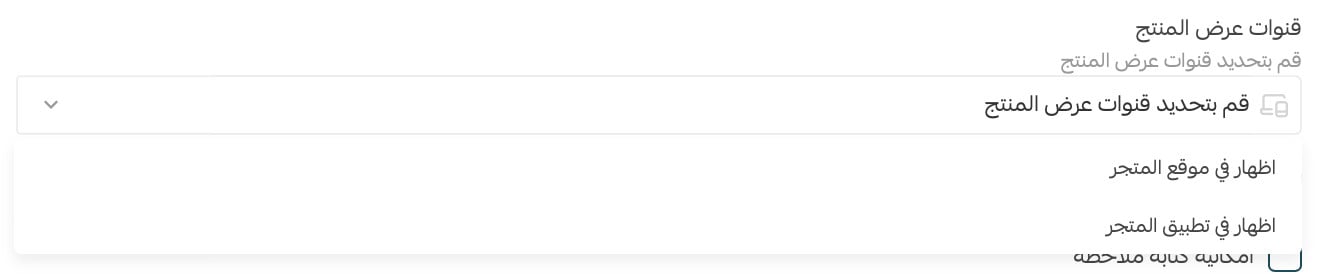
Update: control your products’ visibility!

A new product details update gives you full control over your product display channels, so you can show or hide your products. If your store has an app, you can show products on both the website and the app, or hide them from one of them. Key product display channel features: Show or hideRead more..
Update: control your products’ visibility!
views11
1
hatim
Save
copy
hatim

حاتم السلمي

category iconNews
Active 24 days ago

The Retail Stores app

You can now manage and monitor branch inventory, including product lists and quantities, and show customers whether a product is available. This speeds up delivery and, in some cases, lowers shipping costs based on product availability, since customers can browse based on their selectedRead more..
The Retail Stores app
views11
1
hatim
Save
copy
hatim

حاتم السلمي

category iconNews
Active 24 days ago

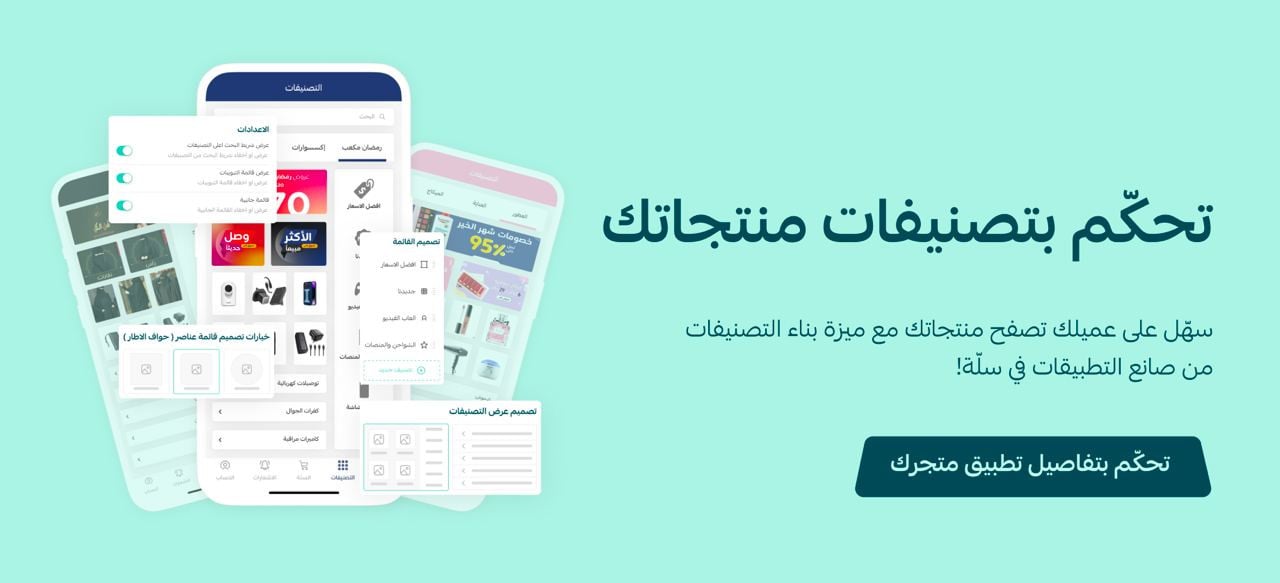
Build product categories in your store app

To improve how customers browse product categories in your store app, with wide customization and design options, we’re introducing a brand-new feature for all App Builder subscribers that lets you build and design the product category screens through App Builder. Managing productRead more..
Build product categories in your store app
views15
1
hatim
Save
copy
hatim

حاتم السلمي

category iconNews
Active 24 days ago

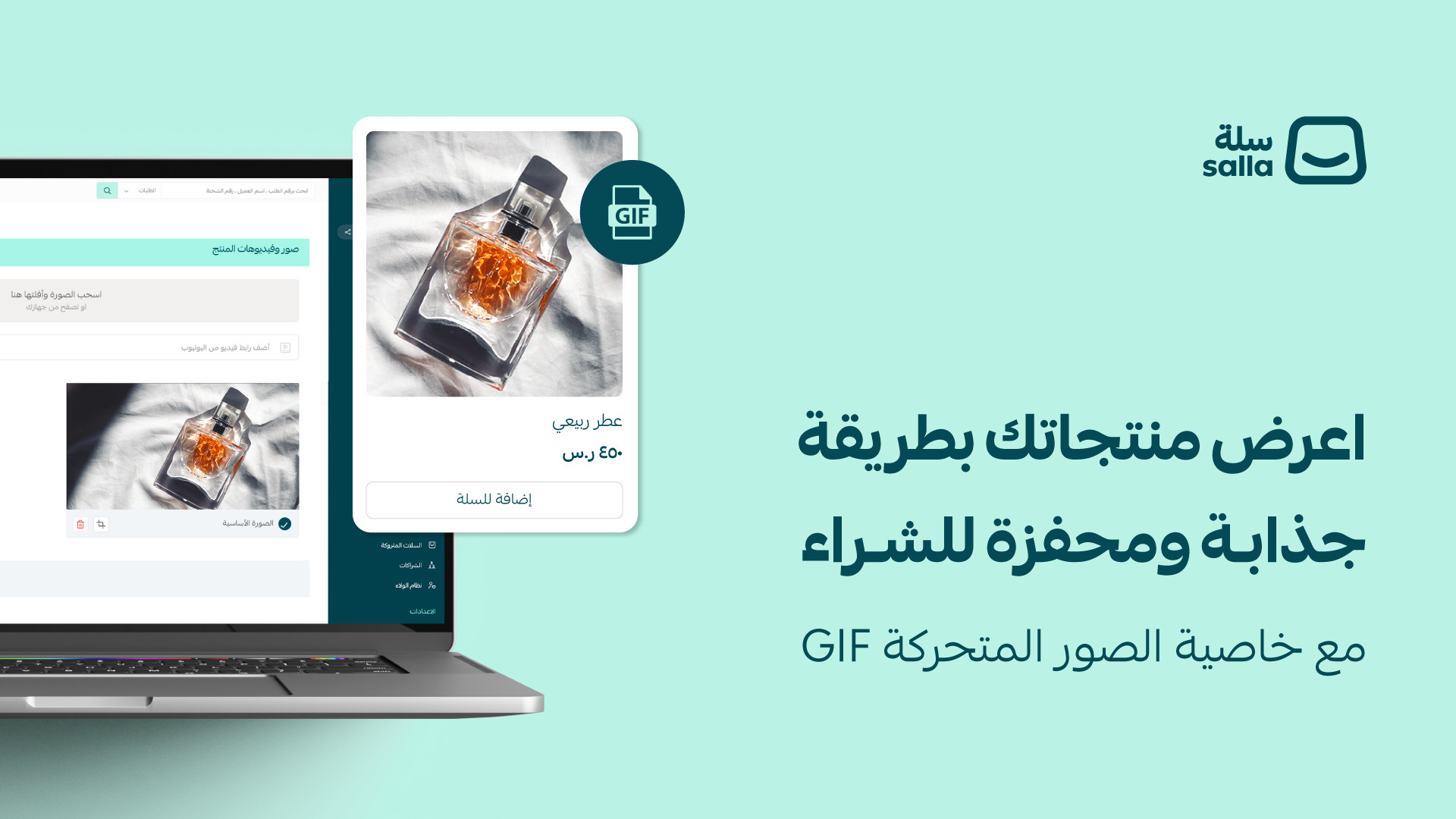
Animated GIF support

Presenting products in an attractive, eye-catching way is one of the most important drivers of purchases, so we've launched animated GIF support for product images, improving how products are presented and giving customers a clear, complete picture of a product before buying. Key benefitsRead more..
Animated GIF support
views21
1
hatim
Save
copy
hatim

حاتم السلمي

category iconNews
Active 24 days ago

The new Mawid theme and improvements to booking products

Stores that work by appointment need dedicated features to make booking smooth and worthwhile for their customers, so we designed the Mawid theme. It has features customers need, such as showing available dates and quick appointment booking, plus a set of improvements to booking products,Read more..
The new Mawid theme and improvements to booking products
views16
1
hatim
Save
copy